 Knot
Knot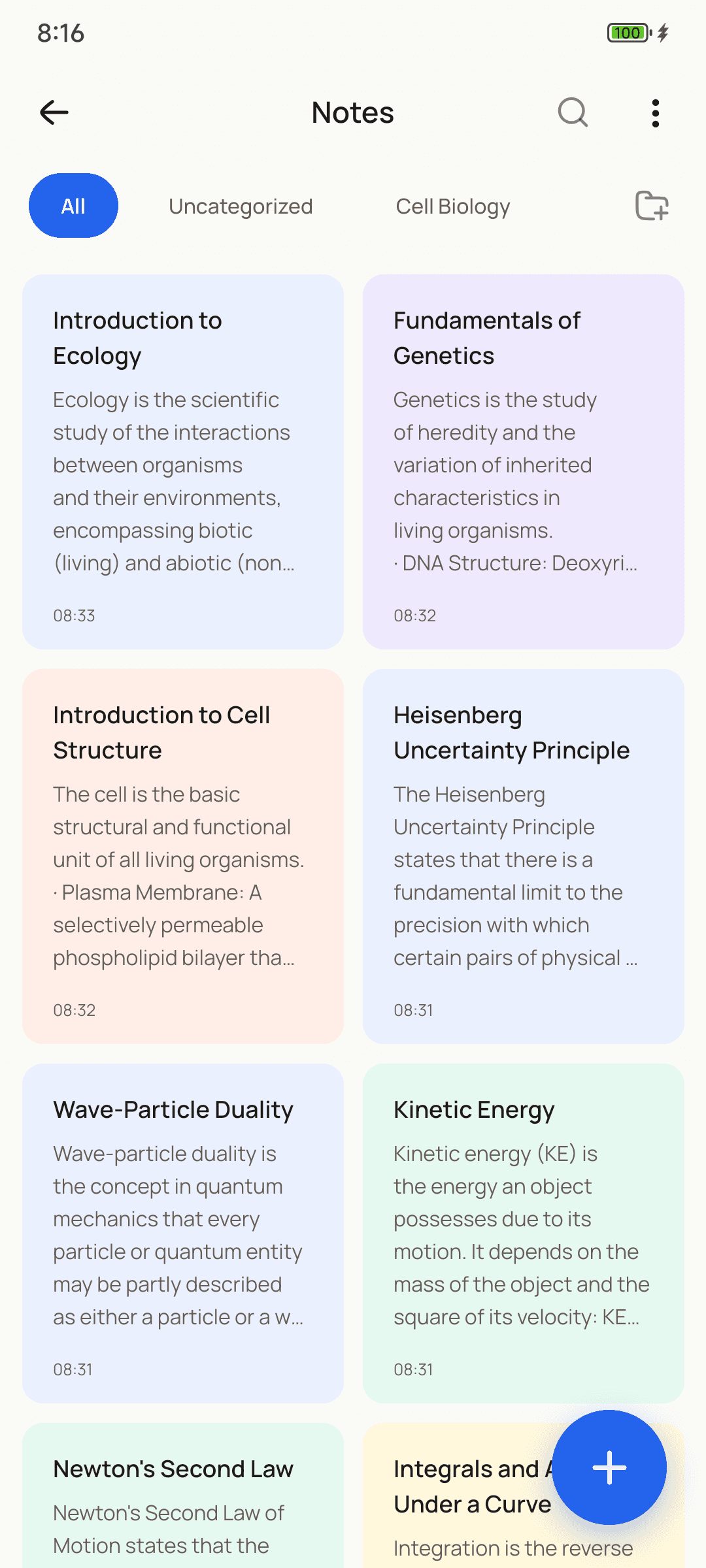
Why Knot
Built for students,
not subscriptions.
Ask Knot
Snap a page.
Study it tonight.
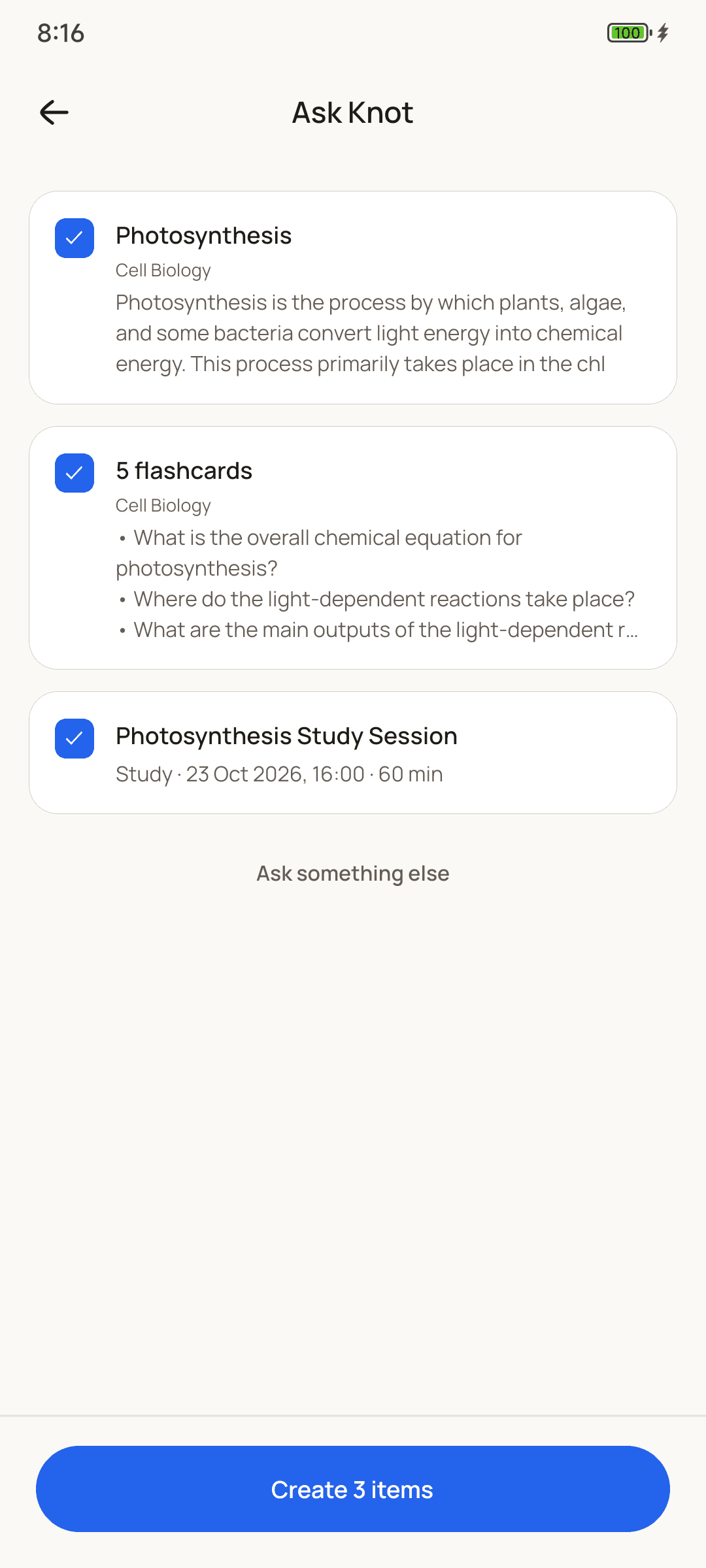
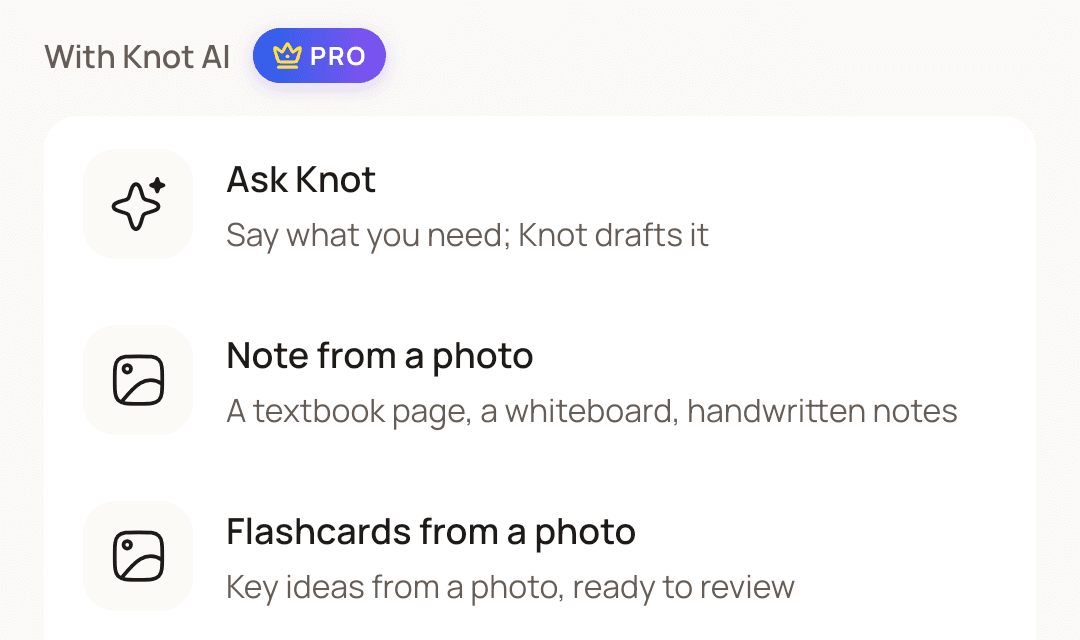
Add a photo of a textbook page, your lecture slides or a few typed words. Knot drafts the note, the flashcards and even the study session. You check it all before anything is saved.
The study loop
Everything for the exam,
in one app.
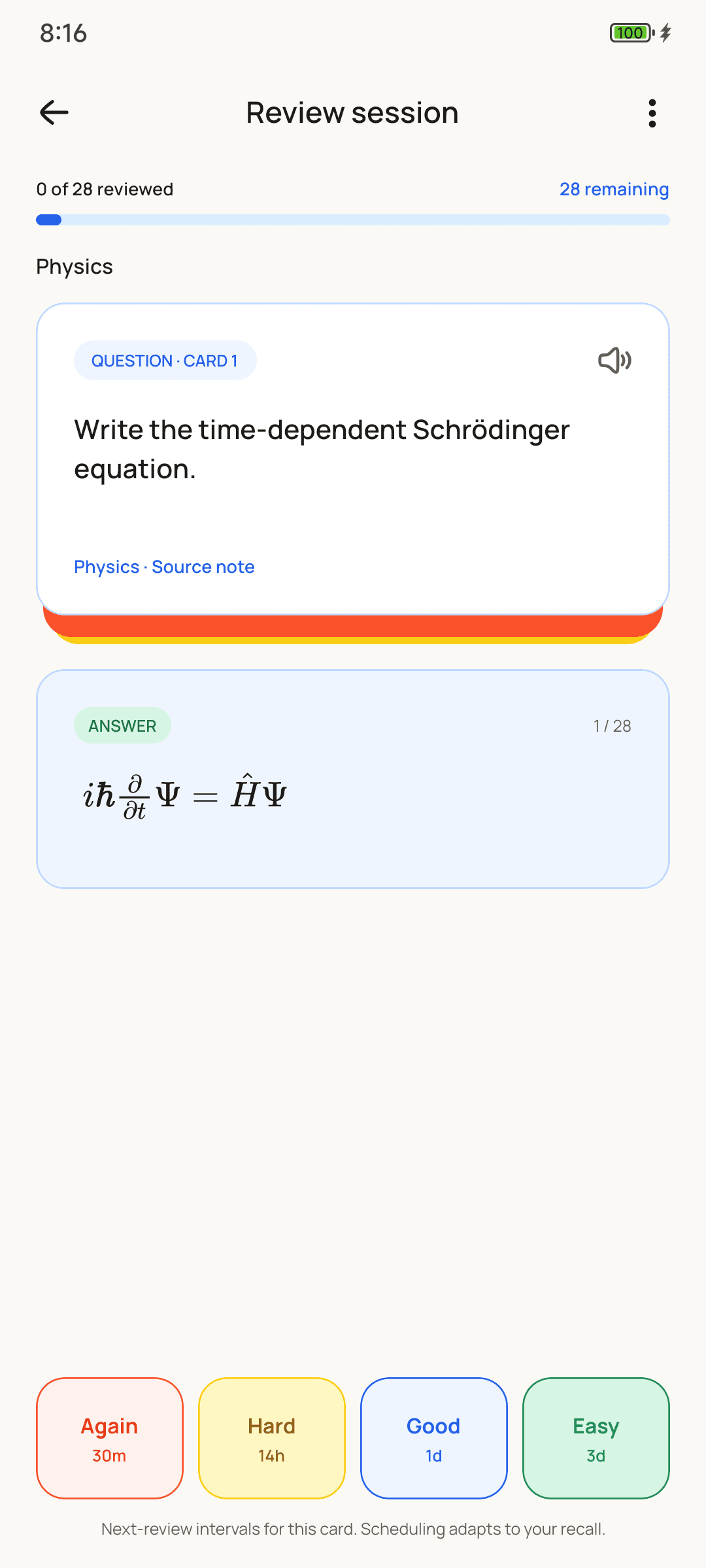
Cards come back on time.
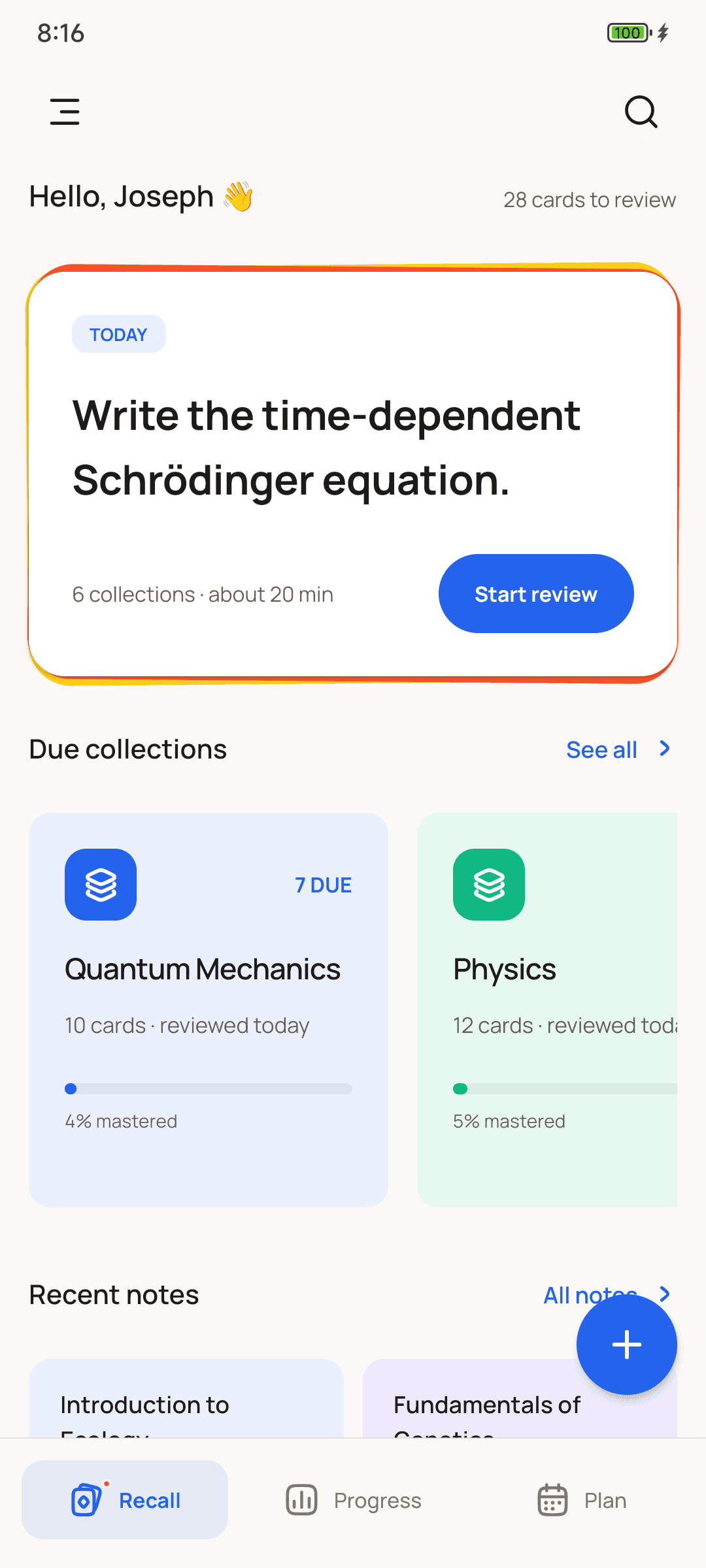
Spaced repetition (FSRS) brings each card back right before you’d forget it.
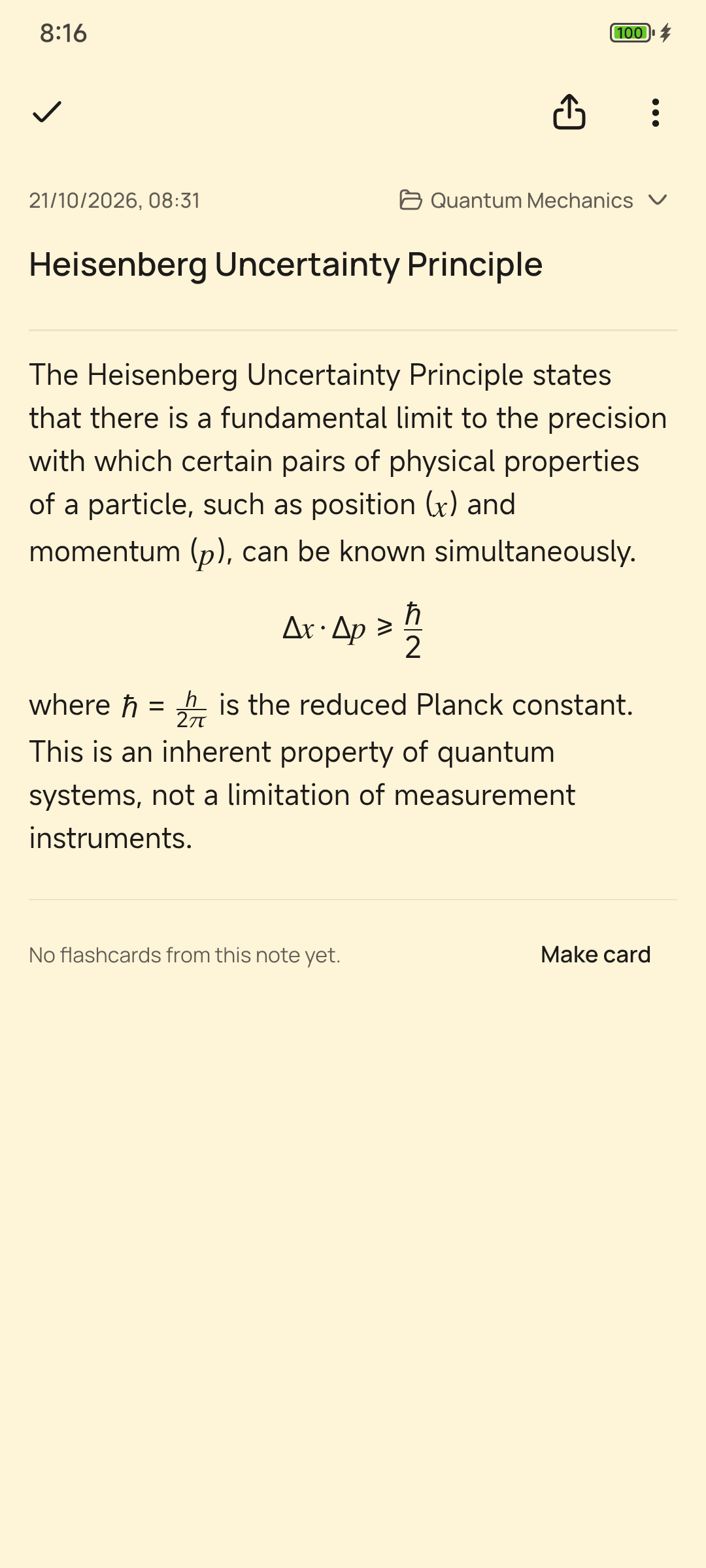
Maths that reads right.
Equations, fractions, Greek letters and chemistry, written like your textbook.
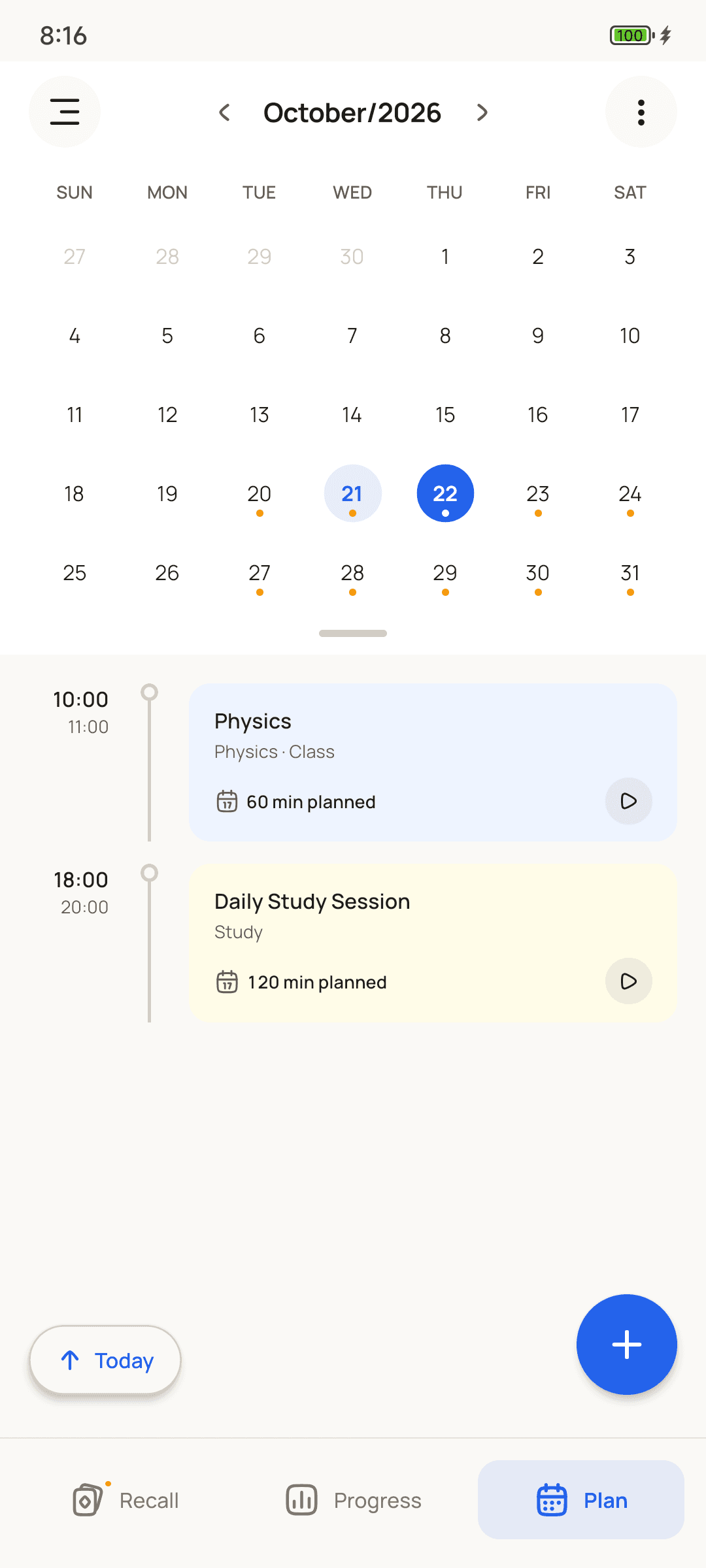
Your week, planned.
Classes, study sessions, assignments and exams on one calendar.
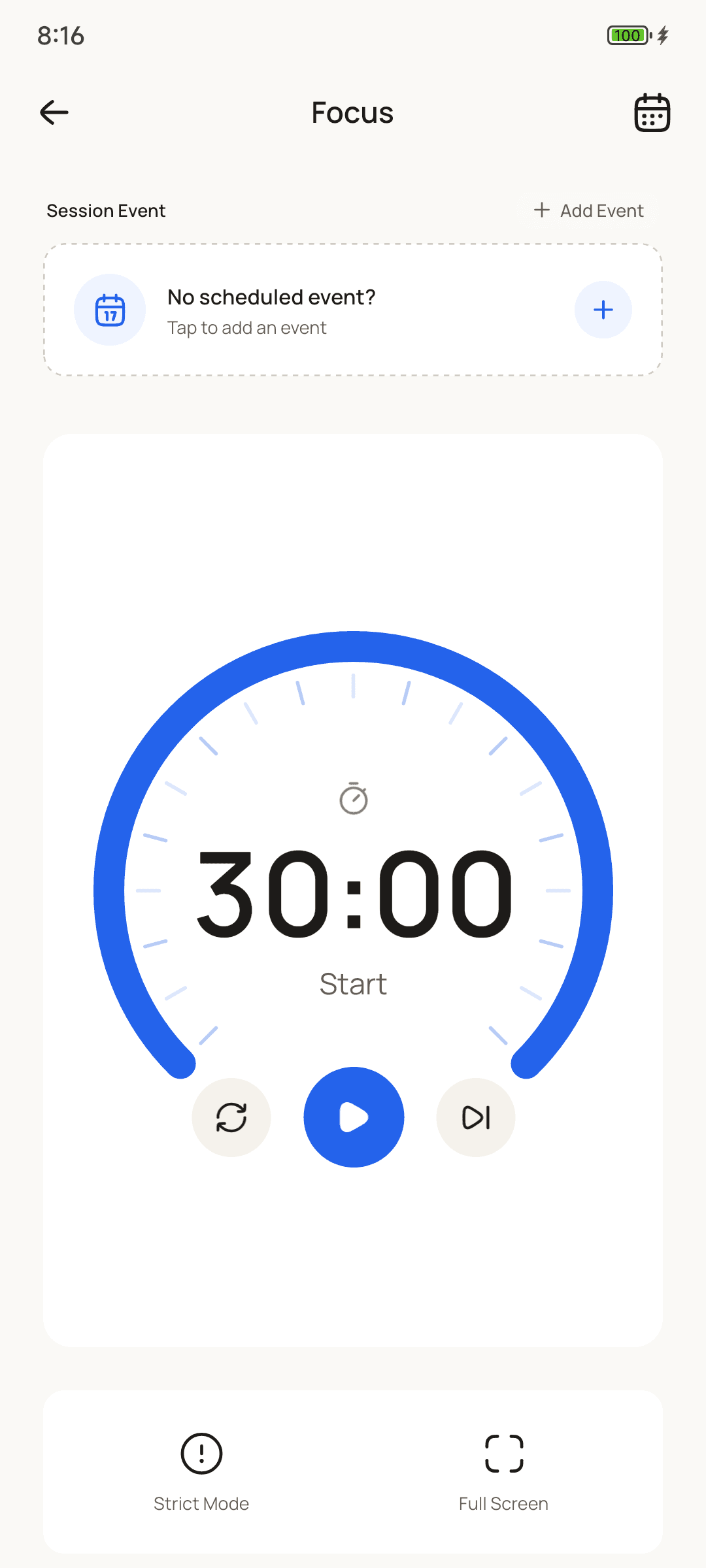
Focus that sticks.
A focus timer with breaks, and Strict Mode to keep you in the session.
Privacy
Your notes
stay yours.
Knot is local-first. What you write stays on your phone unless you choose to back it up or ask Knot for help.
FAQ
Questions,
answered.
Something else? Email us.
Is Knot really free?
Yes. Notes, flashcards, reviews, the planner and the focus timer are free for good, with no ads and no trial that runs out. Knot Pro is an optional subscription that unlocks Ask Knot on your own AI key.
Do I need an account?
No. You can study without signing in. You need an account only to use Ask Knot or to subscribe to Knot Pro.
Does Knot work offline?
Yes. Notes, cards, reviews, the planner and the focus timer all work with no connection. Ask Knot needs the internet, because it sends your request to an AI model.
What is Ask Knot?
Add a photo of a textbook page, your lecture slides, a PDF of up to about 40 pages, or a few typed words. Ask Knot drafts a note, flashcards or a study session from it. Nothing is saved until you check it and keep it.
How many Ask Knot requests do I get?
A free account gets 3 tries, on Google's Gemini, to see how it works. With Knot Pro, Ask Knot runs on your own AI key, as much as you like. A free Google Gemini key works, or one from OpenAI, Anthropic or OpenRouter.
What does Knot Pro add?
Ask Knot as much as you like on your own AI key, and exporting notes as PDF. You subscribe and cancel through Google Play. Studying stays free either way.
What does Ask Knot send, and where?
Only what you add to a request: your message, any note you mention, and the photo or file you attach. It goes to the AI that answers — Google's Gemini for your free tries, or the provider of your own key with Knot Pro. Your key stays on your phone and is never stored by Knot. The rest of your notes and cards stay on your phone.
Where are my notes stored, and how do I back them up?
On your phone. To keep a copy, save a backup file from Settings → Backup and keep it somewhere safe, like your cloud drive or computer. You can restore from that file on a new phone.
How does Knot decide when I see a card again?
Knot uses FSRS, a spaced-repetition scheduler. After each review you grade the card Again, Hard, Good or Easy, and Knot brings it back right before you'd be likely to forget it.
Can I write maths and chemistry?
Yes. Notes handle equations, fractions, Greek letters and chemistry, written the way your textbook shows them.
Is Knot on iPhone?
Not yet. Knot is on Android today, through Google Play.
How do I delete my account?
In the app, go to Settings → Account & Security. Deleting your account removes it from our servers, and the notes on your phone stay until you delete the app. If you have Knot Pro, cancel it in Google Play, because deleting the account doesn't.
Start remembering
what you study.
Free on Android. No account, no ads, ready in a minute.
Get it onGoogle Play